
บอกให้โลกรู้อย่างมีสไตล์ว่าคุณเป็นคนรักนาฬิกาด้วยฉากหลังวีดีโอคอลที่ไม่เหมือนใครชุดนี้ของเรา
บทความ: รักดี โชติจินดา
ชีวิตการทำงานของเราทุกคนเปลี่ยนไปเพราะสถานการณ์การแพร่ระบาดของไวรัสโคโรน่าในเวลานี้ หลายบริษัทเลือกใช้แพลทฟอร์มหรือแอปเพื่อการประชุมระยะไกลแบบวีดีโอเพื่อให้พนักงานสื่อสารกันได้โดยสะดวก หรือบ้างก็ใช้คุยกับลูกค้า แพลทฟอร์มที่คนรู้จักกันมาโดยตลอดก็คือ Skype และ Google Hangouts แต่ในช่วงนี้อีกหนึ่งระบบที่มาแรงคือ Zoom เพราะต่อให้ใช้แบบฟรีก็สามารถรองรับผู้เข้าประชุมได้พร้อมกันมากถึง 100 คนแล้วโดยจะถูกจำกัดเวลาไว้ให้ไม่เกิน 40 นาที
เมื่อคุณโหลดแอปของ Zoom มาลงไว้ในเครื่องคอมพิวเตอร์ของคุณแล้ว คุณจะสามารถกดเข้าไปเลือกรูปฉากหลังเพื่อบังไม่ให้เห็นสิ่งต่างๆ ในบ้านของคุณได้ (กรณีที่ไม่อยากโชว์) รูปที่จะใช้นี้ก็เป็นรูปธรรมดาเลย ไม่ได้มีเทคนิคอะไรพิเศษ เพียงคร็อปให้ได้สัดส่วน 16:9 ก็จะนำมาใช้ได้พอดี ถ้าคุณยังไม่เคยลองเปลี่ยนหรือหาปุ่มที่ต้องกดไม่เจอ เราขอแนะนำบทความสอนเปลี่ยนฉากหลังหน้าจอประชุม Zoom โดย Shutterstock ในนั้นเขาก็มีฉากหลังให้โหลดฟรีด้วย แต่แน่นอนว่าเขาไม่มีฉากหลังสำหรับคนรักนาฬิกาโดยเฉพาะอย่างที่เราจะนำเสนอต่อไปนี้
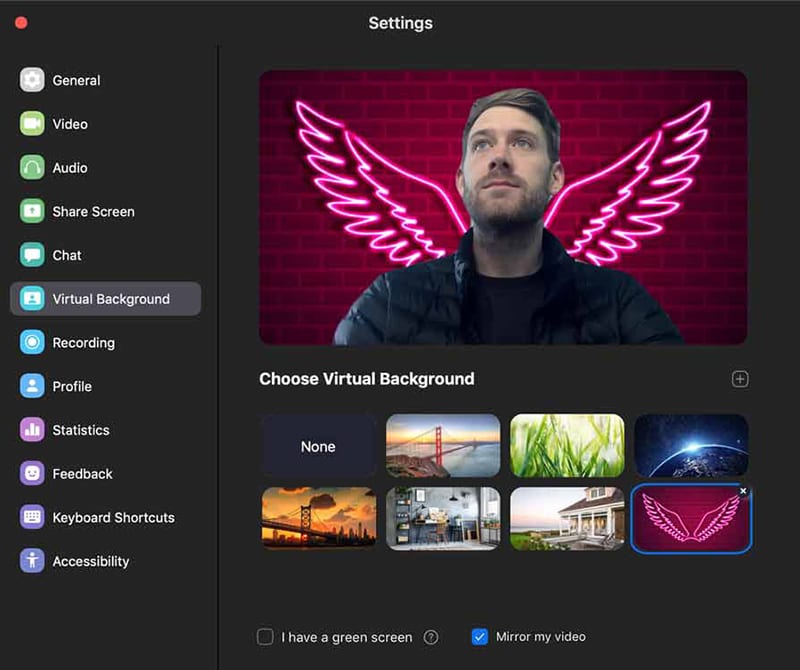
วันนี้นะครับ เรามีฉากหลังมาแจกคุณ 10 ฉากด้วยกัน โดยเราคัดเลือกรูปที่เราเคยถ่ายขณะไปเยือนพิพิธภัณฑ์นาฬิกาแห่งต่างๆ ในประเทศสวิตเซอร์แลนด์และประเทศอื่น ทั้งหมดนี้เราไม่ได้แอบถ่าย เราได้รับอนุญาตจากเจ้าของสถานที่แต่ละแห่งอย่างถูกต้องแล้ว เพื่อให้นำรูปไปใช้ประกอบบทความประชาสัมพันธ์ให้ผู้อ่านรู้จักพิพิธภัณฑ์เหล่านั้นในวงกว้างยิ่งขึ้น เพียงแค่ว่าตอนที่ถ่ายแต่ละรูปนั้นเราก็ไม่ได้คิดว่าวันหนึ่งจะต้องเอามาใช้ทำฉากหลังสำหรับวีดีโอคอลเท่านั้นเอง ก็ลองดูสักชุดหนึ่งก่อนแล้วกัน
ทุกรูปจะมีสิ่งน่าสนใจอยู่ทางซ้ายหรือขวาของรูปเพราะหากอยู่ตรงกลางก็จะถูกตัวคุณบังเวลาขึ้นกล้อง และอีกหนึ่งรายละเอียดของความใส่ใจของเราก็คือการทำแต่ละภาพให้เบลอเล็กน้อย จะได้ดูเหมือนหลุดโฟกัสอยู่ด้านหลังคุณจริงๆ ไม่ได้คมกริบเหมือนฉากหลังทั่วไปที่ดูไม่มีมิติ
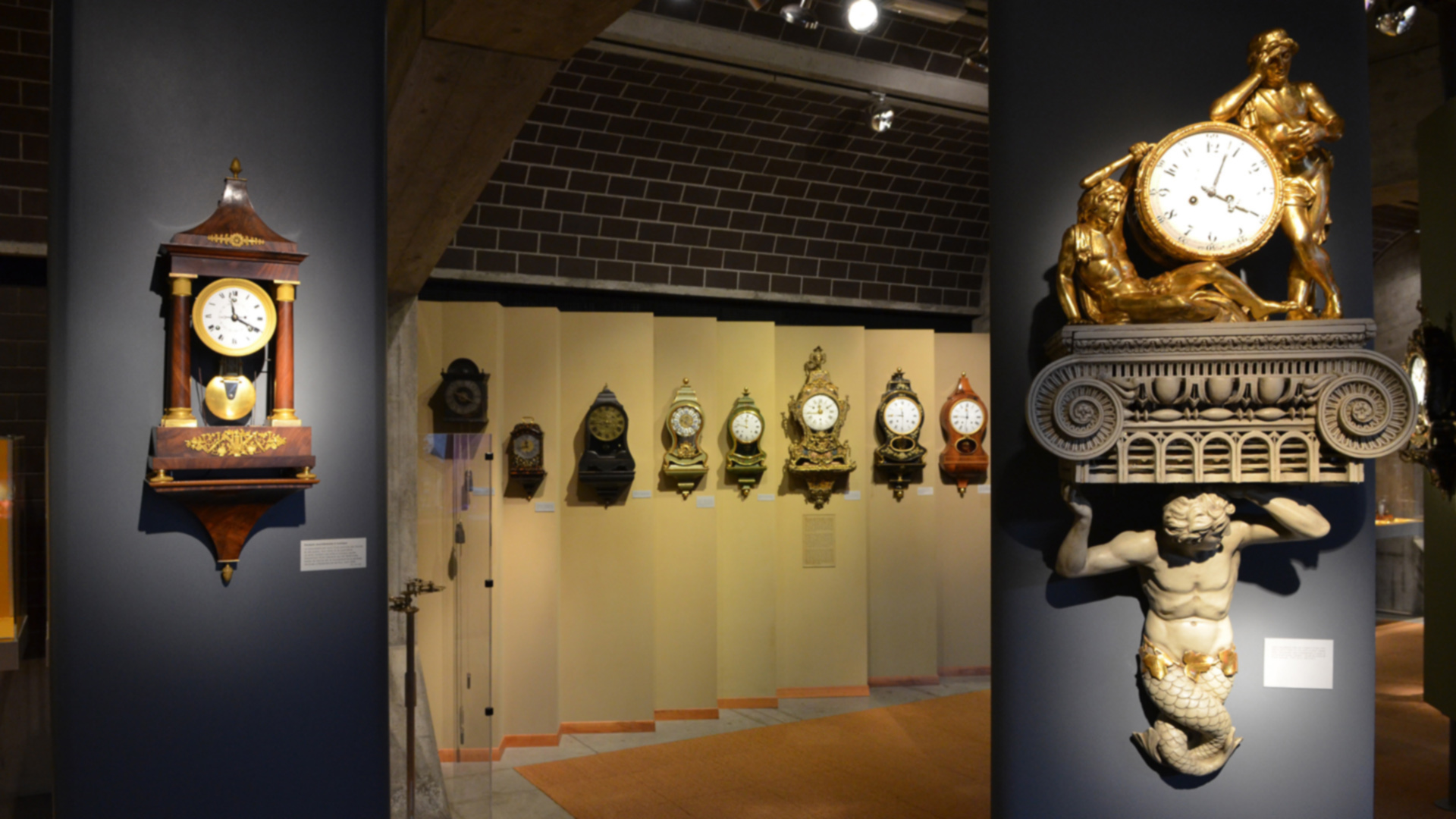
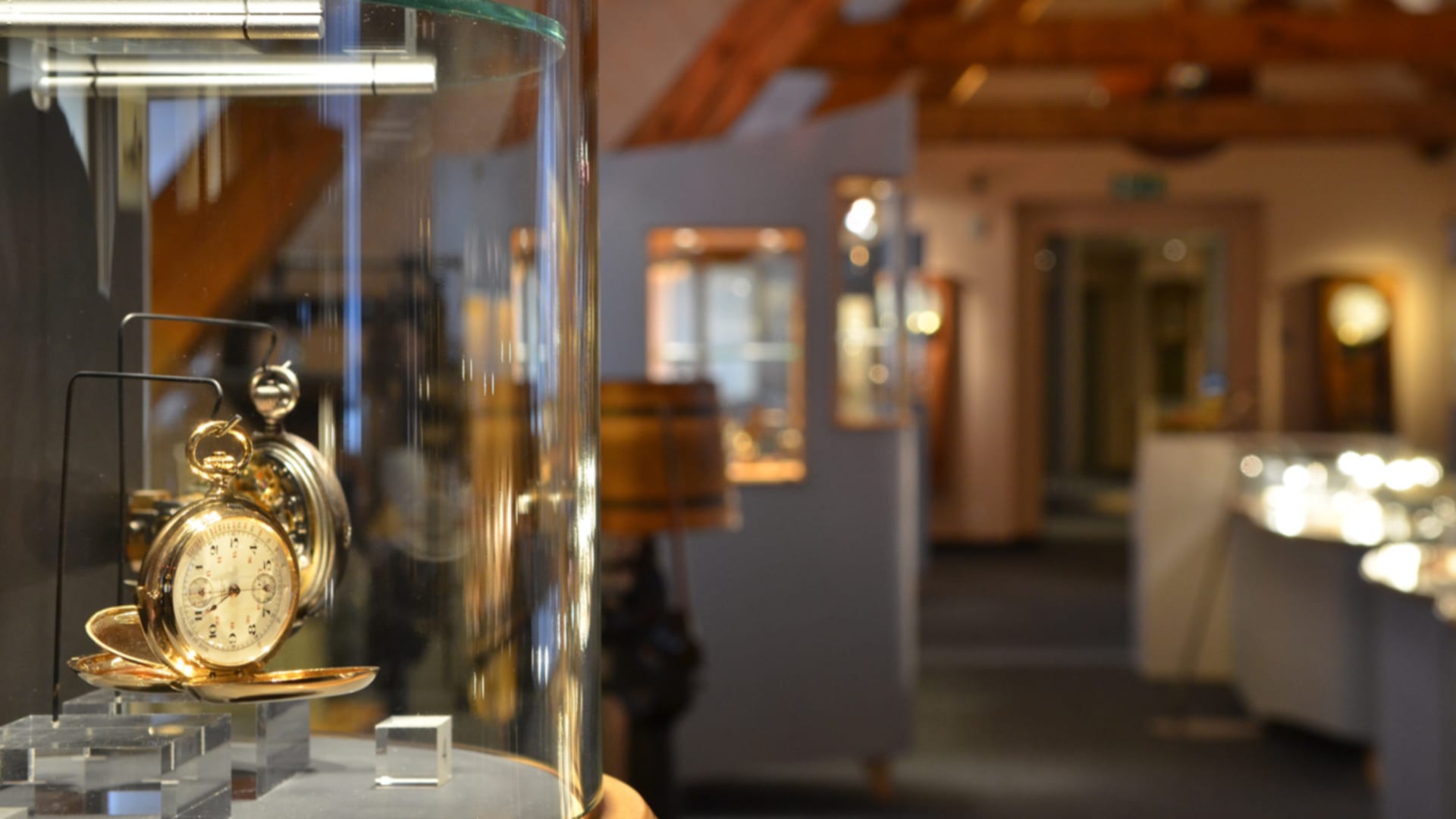
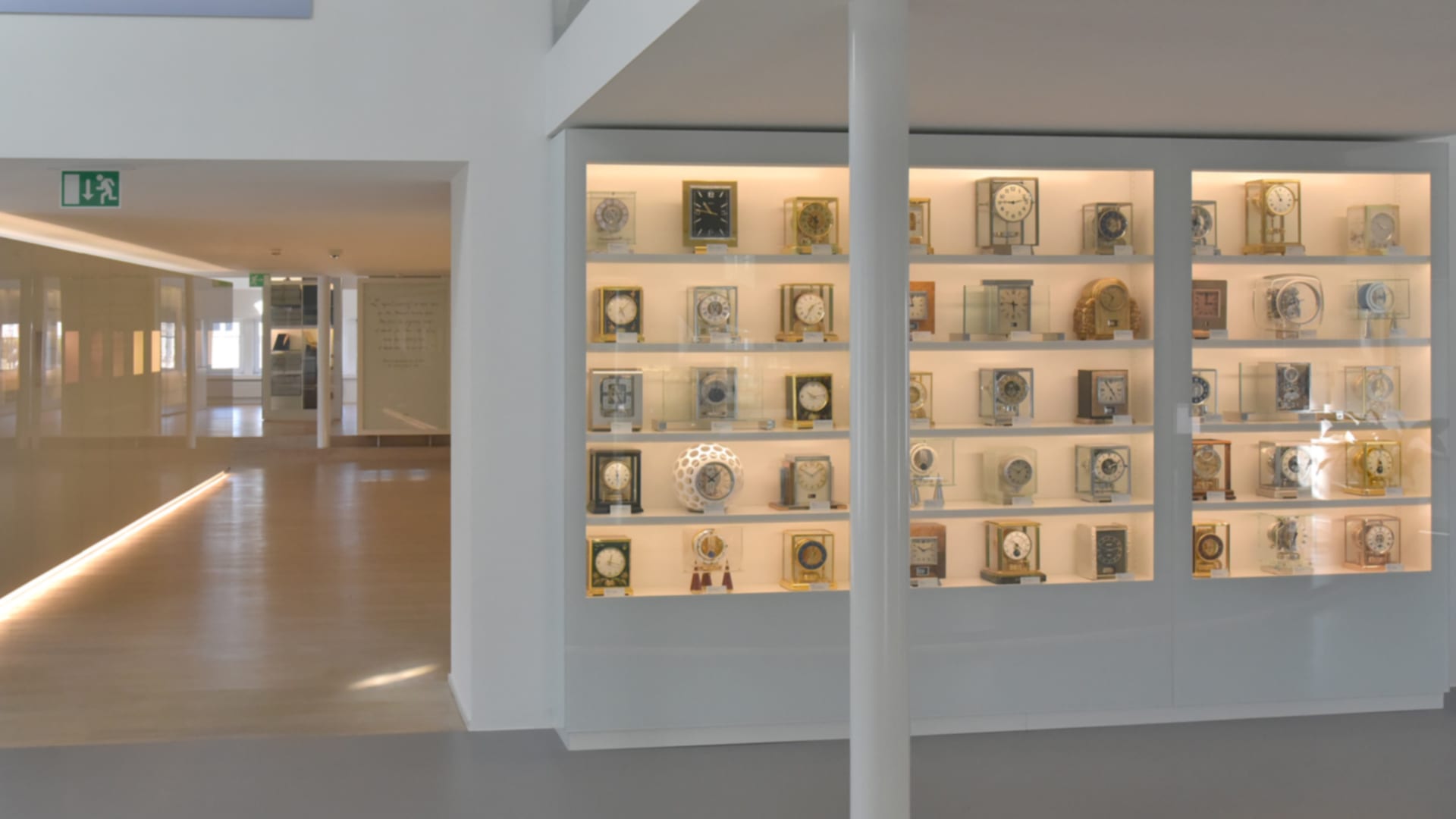
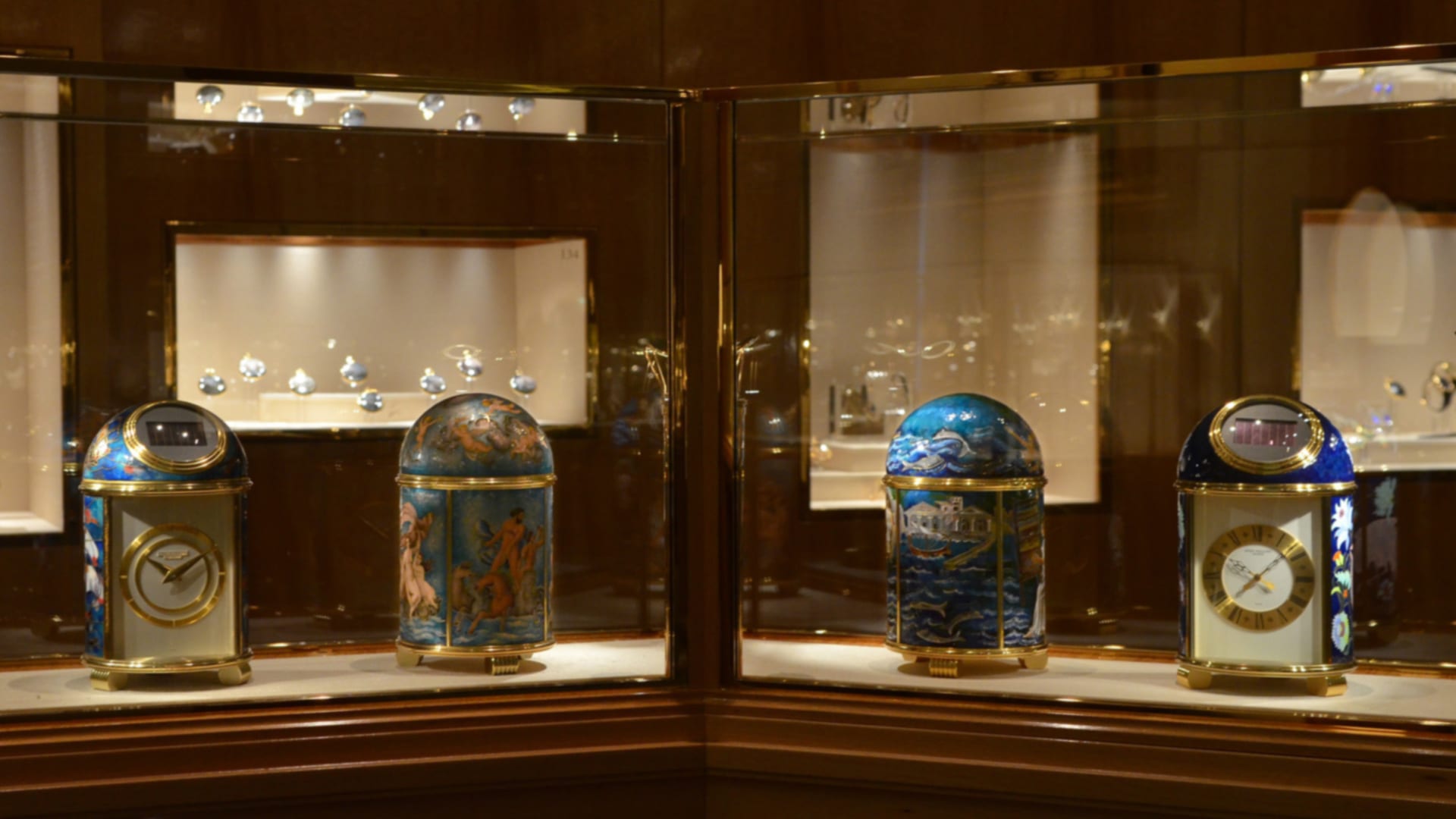
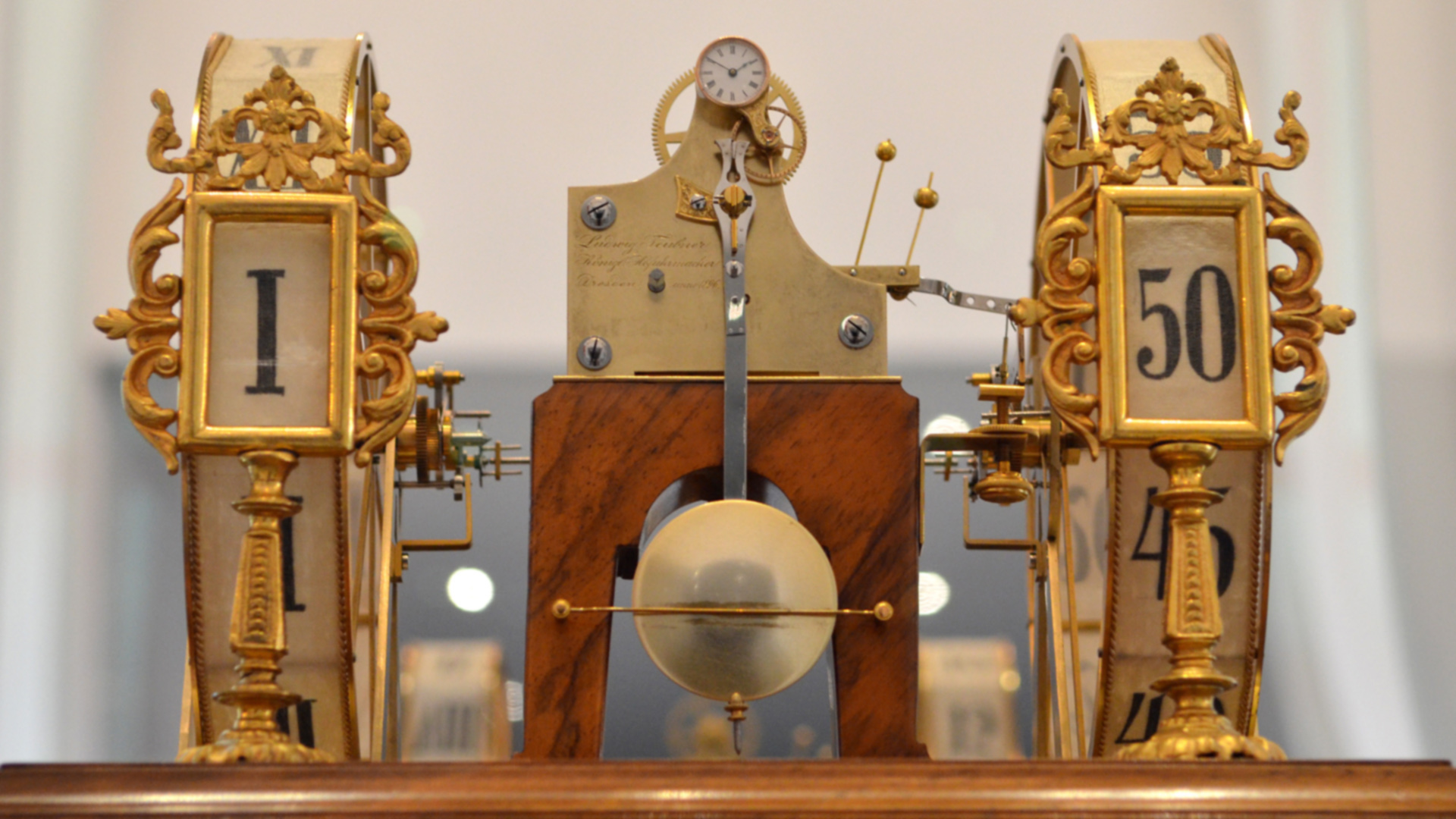
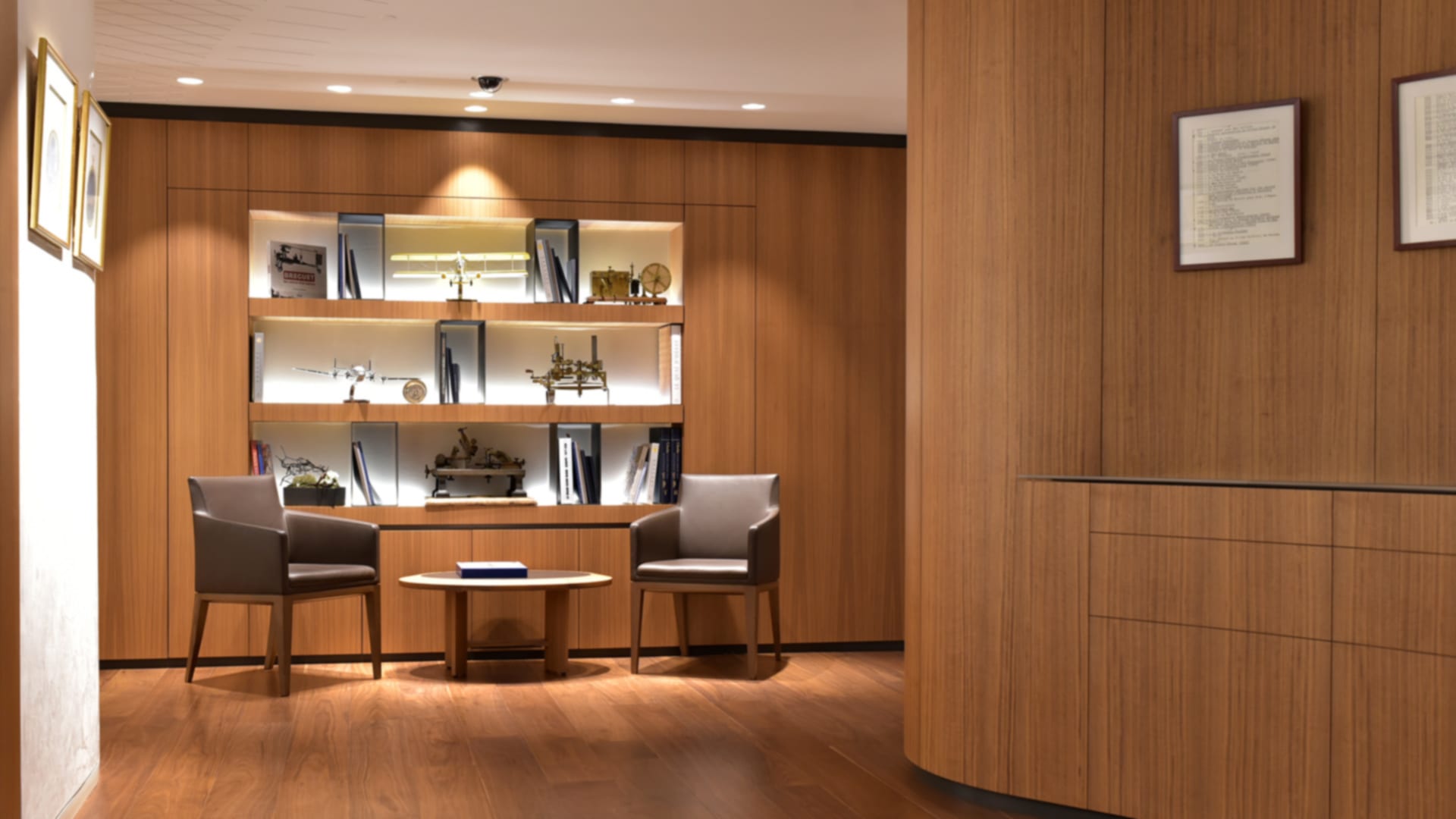
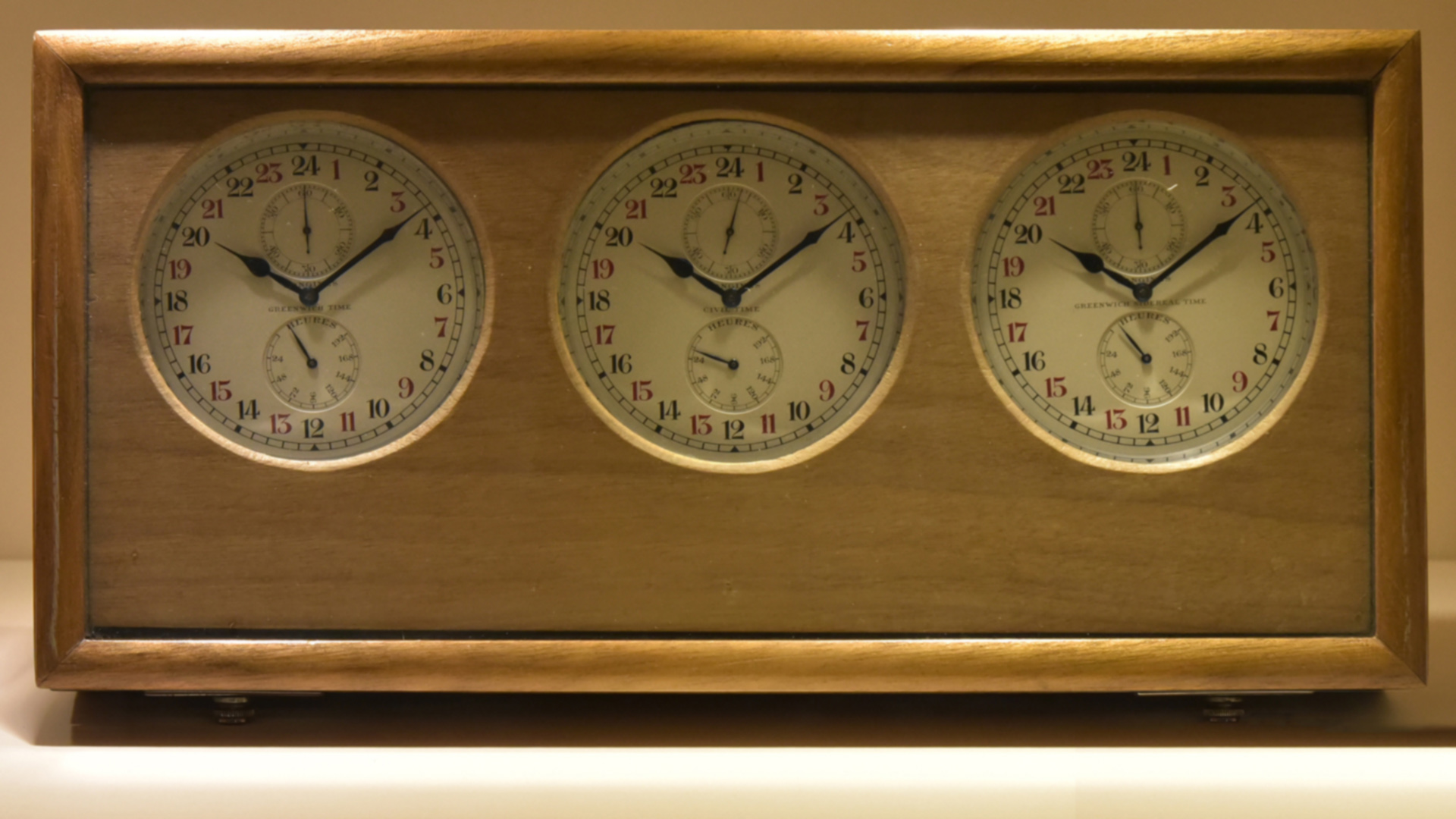
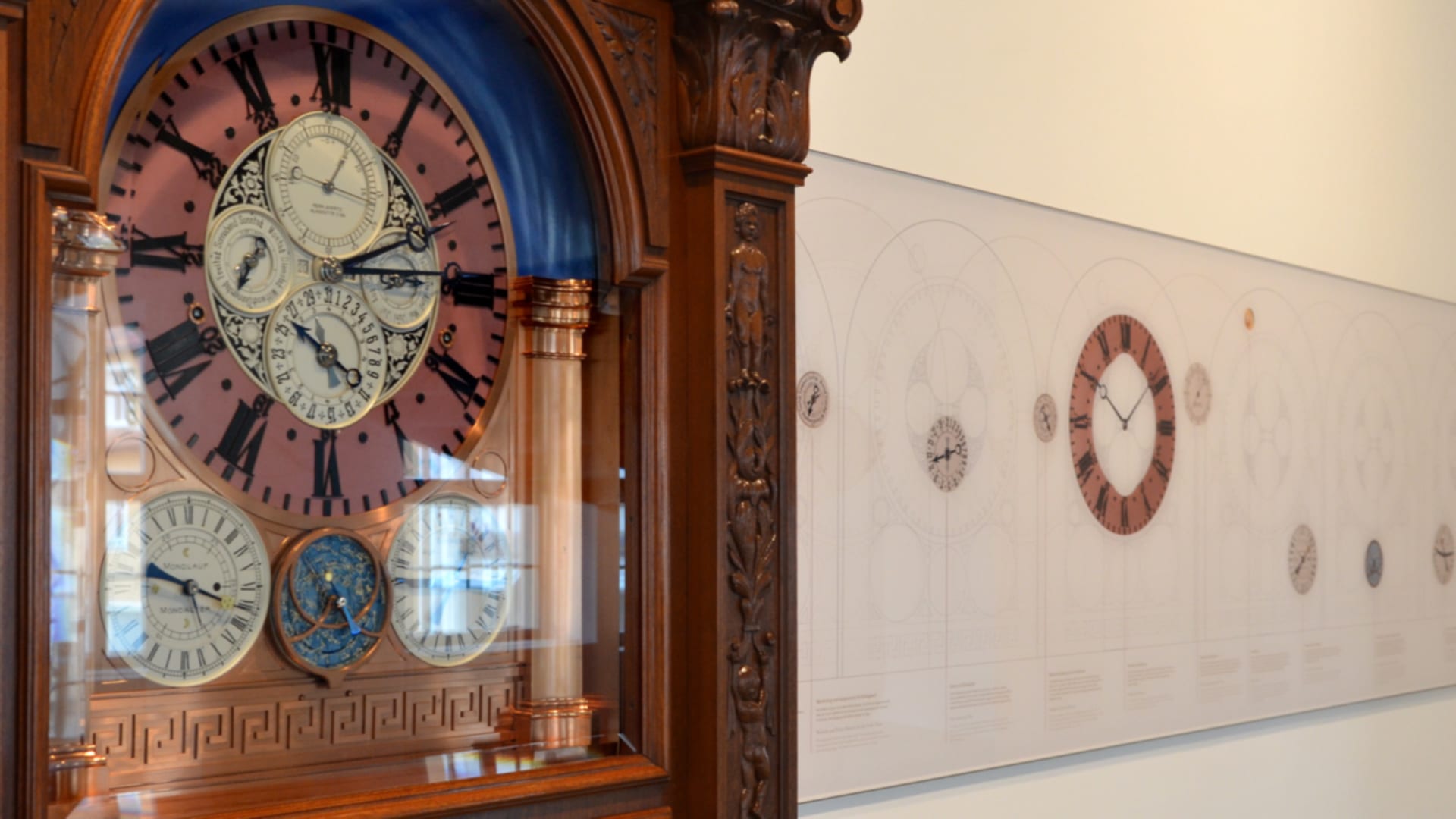
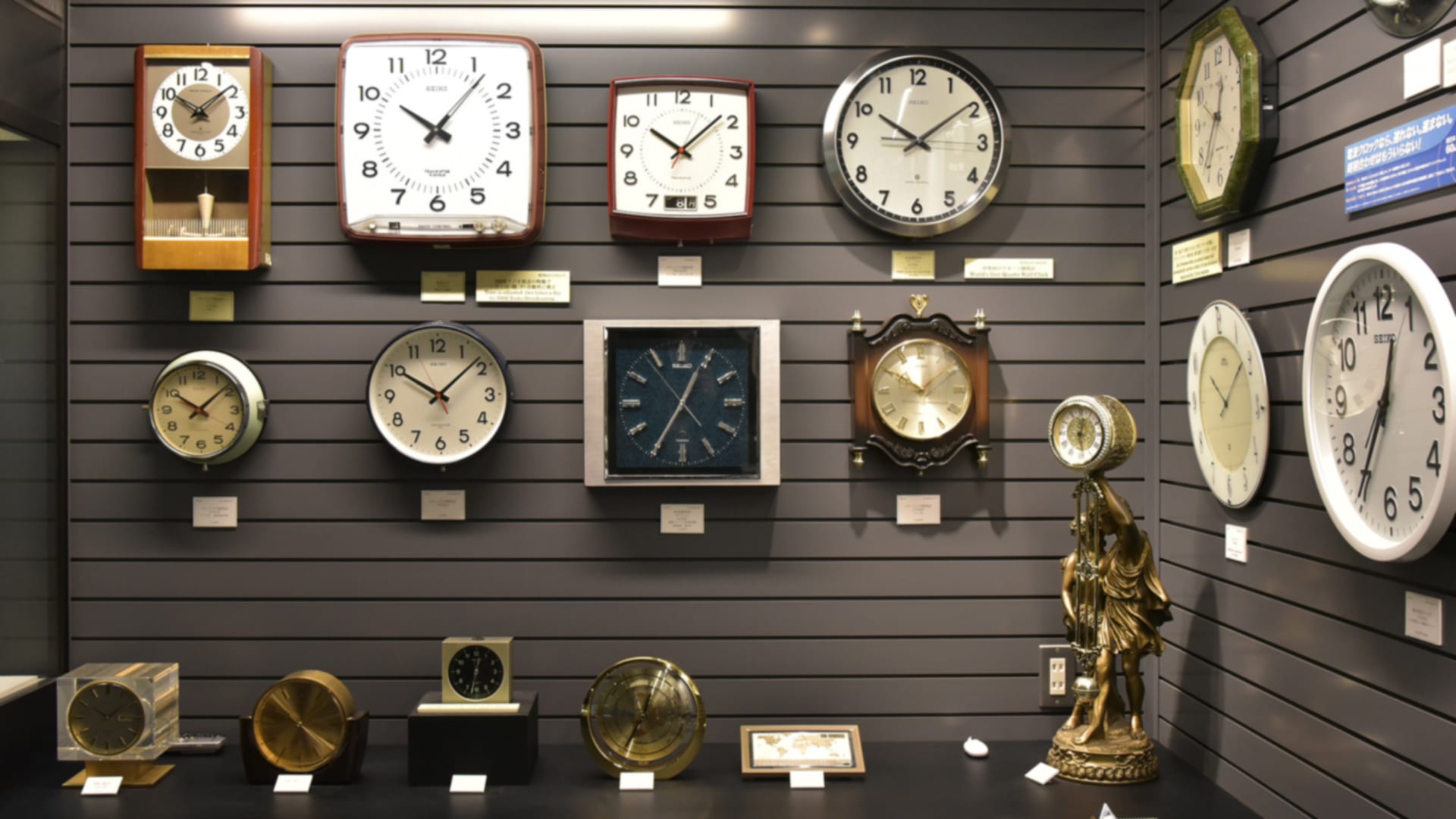
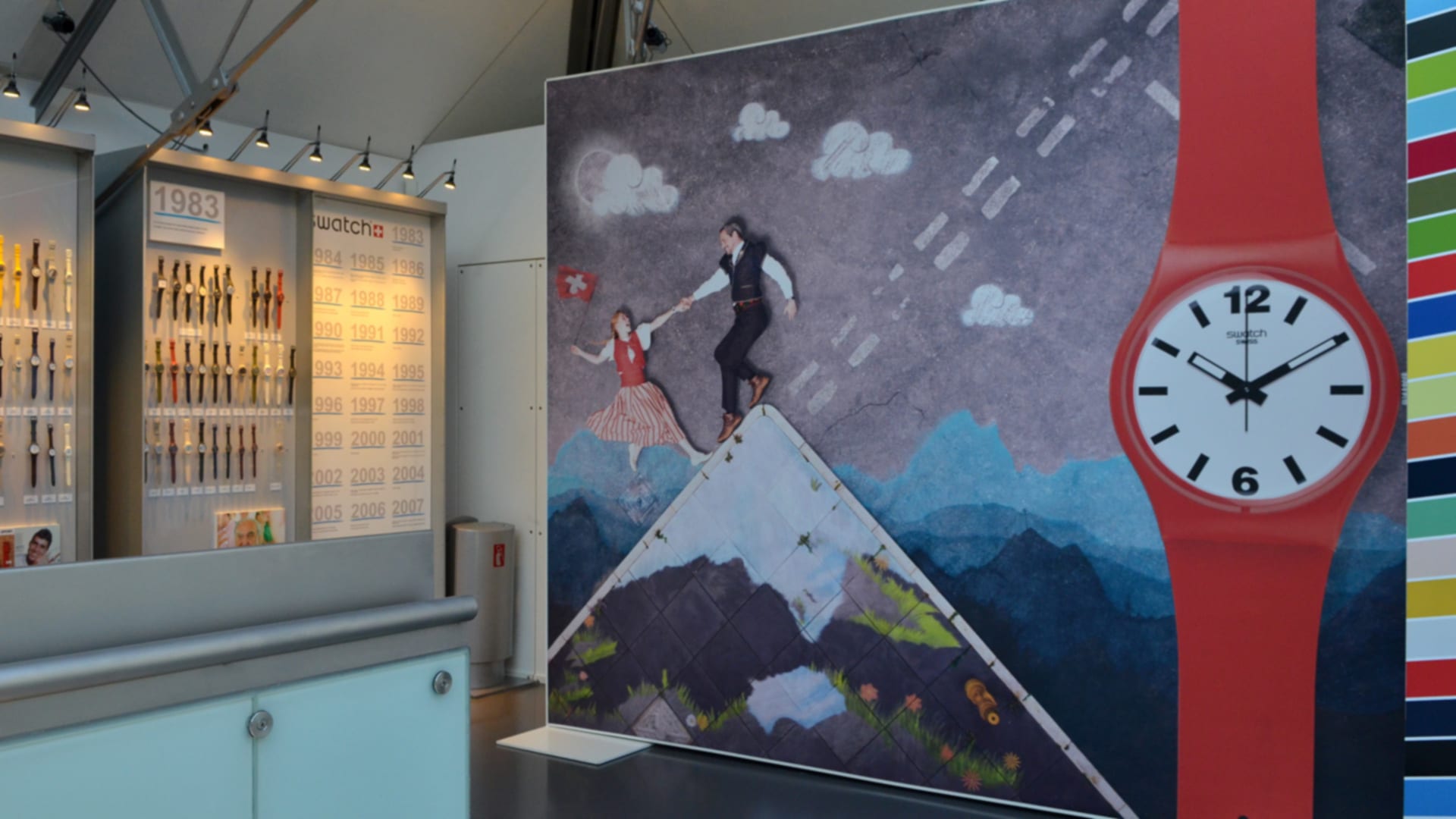
แค่คลิกขวาบนรูปแล้วเซฟไปใช้งานได้เลย แต่ถ้าทำอย่างนี้แล้วเว็บบราวเซอร์ของคุณย่อรูปจนใหญ่ไม่ถึง 1920×1080 พิกเซล หรือคุณไม่สามารถเซฟรูปได้ไม่ว่าด้วยเหตุผลใด ให้คุณเมลมาที่ ruckdee.c@wowthailand.com แล้วเราจะส่งไฟล์รูปให้คุณทางอีเมลแทน
เราหวังว่าฉากหลังเหล่านี้จะช่วยสร้างสีสันให้กับการประชุมของคุณได้บ้าง เผื่อมีอะไรให้ได้คุยเล่นแก้เครียดกับทีมงานหรือลูกค้า และหากคุณช่วยส่งลิงค์บทความนี้ไปให้เพื่อนที่เป็นคนรักนาฬิกาด้วยกันก็จะเป็นพระคุณยิ่ง เพราะเวลานี้กำลังใจสำคัญที่สุด คุณจะได้ทำงานได้อย่างมีประสิทธิภาพและรักษาสุขภาพกายสุขภาพใจจนกว่าจะพ้นผ่านช่วงเวลานี้ไปได้ จบเรื่องแล้วจะได้ไปซื้อนาฬิกากันต่อนะครับ
บทความที่เกี่ยวข้อง: A Watch Designed with Medical Personnel in Mind
Express your love for timepieces and the art of horology with these original background images.
Words: Ruckdee Chotjinda
Nobody saw the pandemic coming, but it is here and we need to adapt the way we live and work around it. Most companies have turned to one or the other video conferencing platforms or apps to facilitate business continuity. Skype and Google Hangouts aside, Zoom is emerging as a popular choice because one can host as many as 100 participants in a meeting of up to 40 minutes even with the free plan.
Zoom’s desktop app also allows for the possibility of masking your actual environment with what they call a virtual background – a 16:9 ratio image file it puts right behind you. If you need a tutorial on how to change the background on your Zoom desktop app, we can recommend this walkthrough by Shutterstock. The site also offers a bunch of free virtual backgrounds for Zoom video conference calls but, of course, those are not indicative of your passion for watches like ours.
The 10 Zoom video conference backgrounds we share with you above are produced from the horology-related photographs we took while visiting the different watch museums in Switzerland and other countries over the years. Of course, we were granted the permission to do so for the editorial purpose of promoting the respective museums, we just did not foresee video conference call background as one of the ways at the time.
Anyway, we selected only the shots that show something to the left or the right because anything in the centre will be blocked by yourself. And, unlike the other backgrounds out there, a low-powered blur was applied uniformly across these images for realistic depth of field. Just right click on the background you like and save. If, for any reason, your web browser gives you a file smaller than 1920×1080 pixels in dimension, write us at ruckdee.c@wowthailand.com and we will send you the image files by e-mail instead.
We hope these backgrounds will help enhance the mood among your colleagues or help you engage in a casual conversation with clients. Do send you watch friends a link to this article. We will be grateful if you do. Remember also to keep being productive and healthy during this time. There are watches waiting to be bought once this ordeal is over.
See also: A Watch Designed with Medical Personnel in Mind
